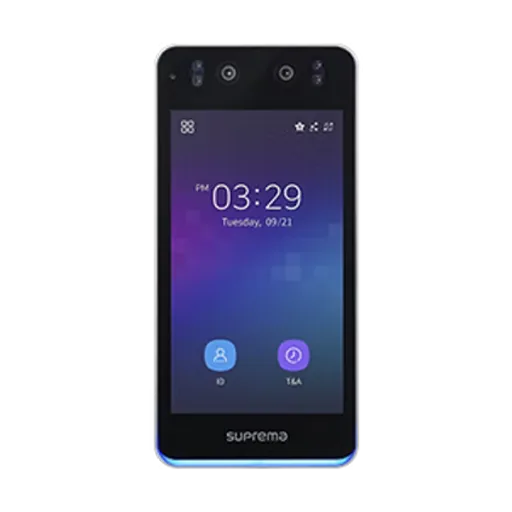
Suprema · Face recognition terminal
BioStation 3
- Reads
- Face, card, mobile, QR (licence), PIN
- Good for
- Main office entrance

Cameras send their video to the FaceLog server. FaceLog finds the faces, matches them with the people you enrolled and acts on each match.
The cameras on your network keep filming as they do today. FaceLog reads their video.
FaceLog runs on a server on your network and looks for faces in each camera view.
Each face is compared with the people you enrolled: staff, regular visitors and your watchlist.
Security gets watchlist alerts, HR gets attendance, and you can search where a person was seen.
Five jobs, one system, using the cameras you already rely on for security.
FaceLog names the staff and regular visitors it knows as they walk past a camera. Unknown faces are marked as unknown.
Every match is saved with the camera and the time, so you can follow one person across entrances, corridors and floors.
Add people you do not want on site. When a camera matches one of them, security gets an alert to check and act on.
Staff are logged as they walk in, without touching a reader or queuing. Add a face reader where a door also needs to open.
Look up a person, a camera or a time and see the matches, for example after an incident or to check who was in a room.
IP cameras on your network and the FaceLog server. Face readers at doors are optional.
Tell us your camera make and model, or send a photo of the label, and we confirm compatibility before you order. If new cameras are needed, we say where they should go.
| Item | Part | What it does | What we supply | Link |
|---|---|---|---|---|
| 1 | IP cameras | Cameras on your network, placed where faces are seen clearly. Tell us your cameras and we confirm compatibility. | Your cameras, or new ones | |
| 2 | FaceLog server and software | Recognition, watchlists, alerts, attendance records and search. | LogIT | |
| 3 | Face readers at doors (optional) | Only where a door or gate should open for known faces. | Suprema, HID Amico, Virdi, HuAi | |
| 4 | Network and power | The camera network, and PoE (power over the network cable) or power supplies. | Matched to your site | |
| 5 | Set-up and training | We check camera positions, enrol your people, set alerts and train security and HR. | LogIT team |
Where a door should open for known faces, add a face reader. We confirm FaceLog works with the exact model before you order.
Suprema · Face recognition terminal
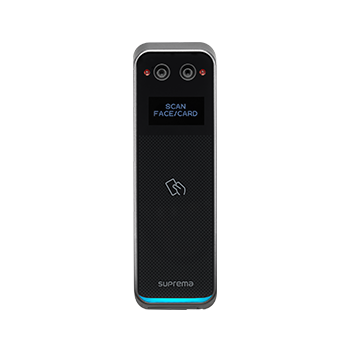

HID · Face recognition reader
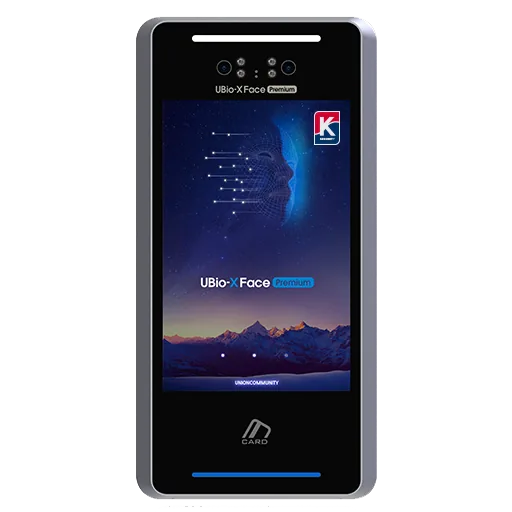
Virdi · Walk-through face terminal
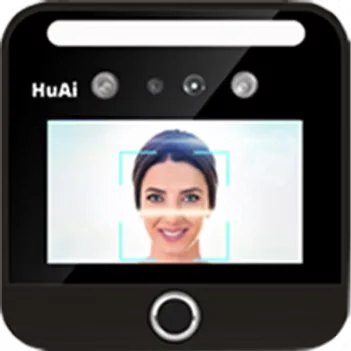
HuAi · Face, fingerprint and card terminal
Reader figures are the makers’ own. For locks, exit buttons and the rest of a door, see door access control.
A face is personal data. Use FaceLog openly and keep only what you need.
Data protection rules apply in the UAE, and free zones such as DIFC and ADGM have their own. Ask your legal adviser which rules apply to your site.
More in our buying guides, or see LogIT VisitLog for visitor check-in.
FaceLog is face recognition software from LogIT that works with the IP cameras on your network. It recognises known people, records where they were seen, alerts security to watchlist matches and can log attendance.
Often, if they are IP cameras on your network. Camera height, angle and light matter for face matching, so tell us your camera make and model and we confirm compatibility before you order.
No. The cameras recognise people as they walk through the camera view. Face readers at doors are optional, for doors or gates that should open for known faces.
You add the people you do not want on site to a watchlist. When a camera matches one of them, FaceLog alerts security, and a person checks the match before anyone acts on it.
Yes. Staff seen by the cameras at your entrances are logged with the time, without touching a reader. For shifts, leave and a staff phone app, see Connect TimeLog, the full attendance software from our group.
We do not publish prices. A quote depends on your number of cameras, sites and people, and on any readers you add. Send us your camera list on WhatsApp and we reply with a quote.
Send us your camera makes and models and the entrances you want covered. We confirm compatibility, show you FaceLog in a demo and quote the software, any readers and the set-up together.