
Emirates ID scanning for visitor check-in in Dubai
How does Emirates ID check-in work at the kiosk?
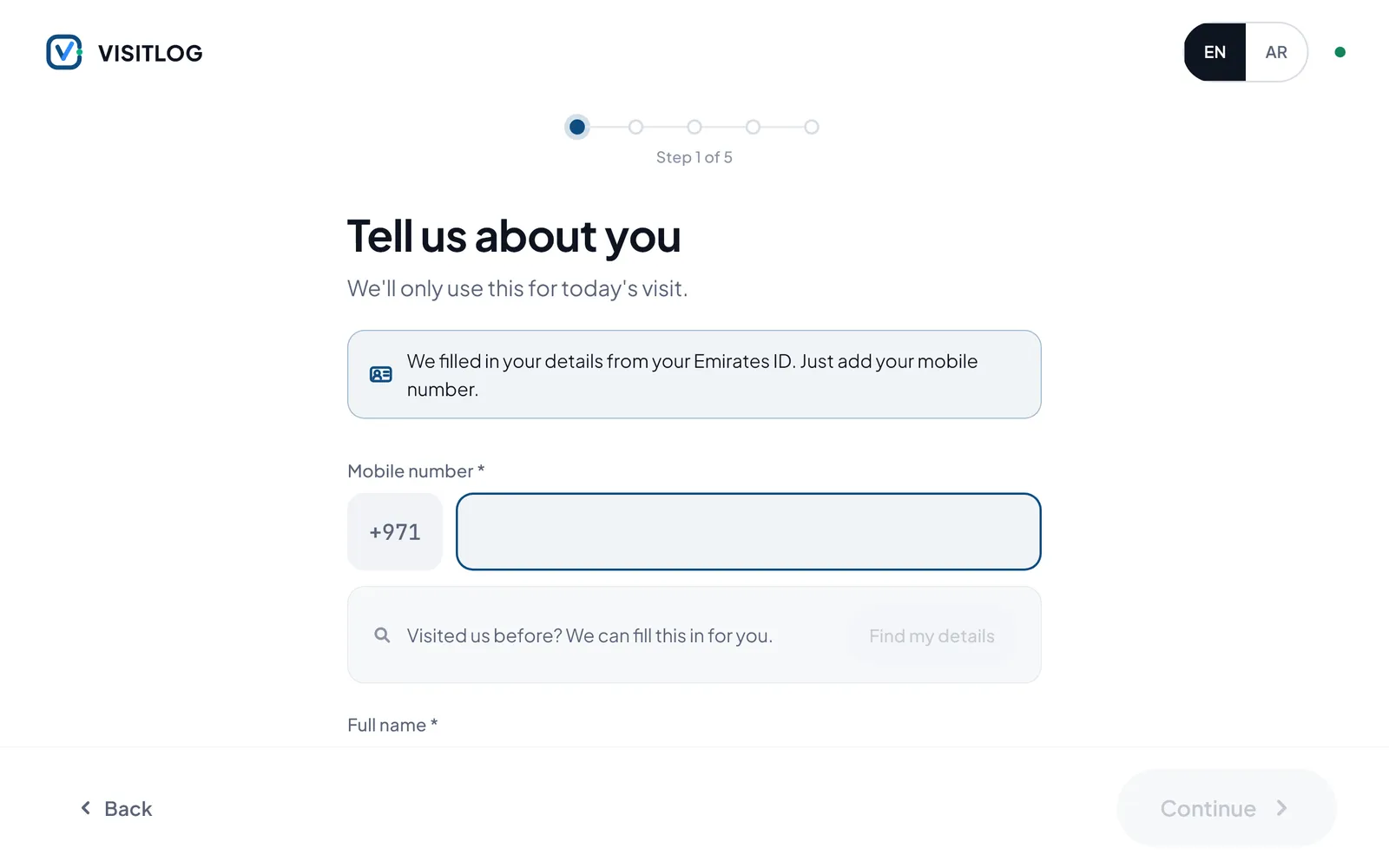
Four steps on the lobby tablet. The Emirates ID scan saves the visitor from typing their name and ID details.
| Step | Stage | What happens | Where |
|---|---|---|---|
| 1 | Check in | The visitor taps Check in on the lobby tablet, in English or Arabic. | Where:Kiosk |
| 2 | Scan the Emirates ID | The visitor scans their Emirates ID. Their details fill the check-in form. | Where:Kiosk |
| 3 | Add a mobile number | The only thing left to type is a mobile number. | Where:Kiosk |
| 4 | Host, photo, done | The visitor finds their host by name, takes a quick photo, sees your privacy notice and gets a clear answer at the end. | Where:Kiosk |
Can we scan IDs and passports at the reception desk?
Yes, with an optional add-on: a desk ID card reader, a passport scanner, or webcam ID and passport scanning. These are readers LogIT supplies; we confirm the right one for your LogIT VisitLog setup before you order.

HID OMNIKEY 3121
USB smart card reader for the desk. Meets ISO 7816, USB CCID and PC/SC.
Brand HID Type USB contact smart card reader Reads Contact chip cards (ISO 7816) Good for Chip cards at a desk 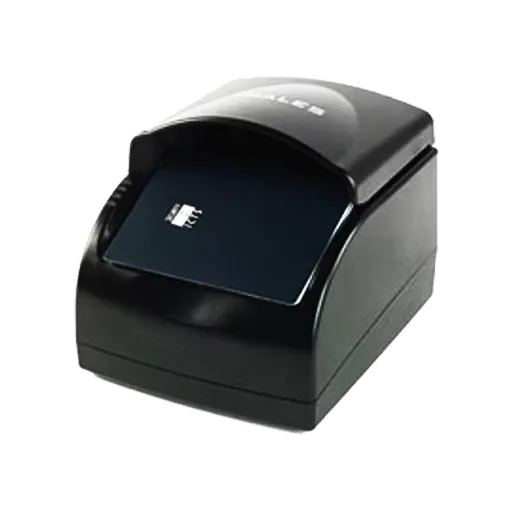
Thales AT 9000 MK2
Full-page passport and ID document reader.
Brand Thales Type Full-page passport and ID reader Reads The full passport page Good for Passports at reception 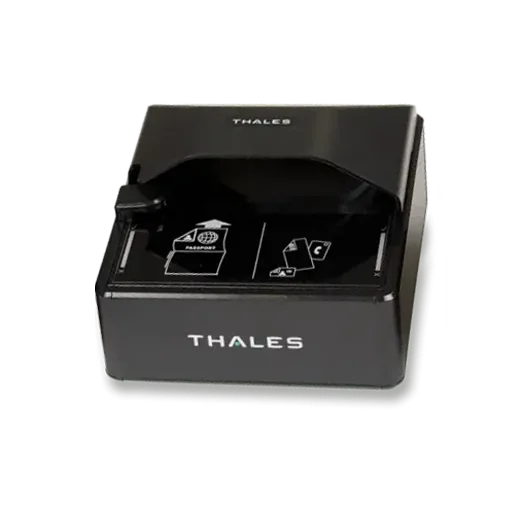
Thales AT 10K
Compact full-page reader for ePassports, visas, ID cards and driving licences.
Brand Thales Type Full-page passport and ID reader Reads Passports, ID cards, ePassport chips (RFID) Good for Busy reception desks
What happens to the ID details?
LogIT VisitLog keeps ID details out of sight and every change on record.
- ID and passport numbers stay hidden until someone needs to see them.
- The lobby tablet stays locked to LogIT VisitLog, and visitor details cannot be copied off the screen.
- A history of every change, with a one-click check that nothing was altered.
- Visitor photos and documents are stored securely.
The UAE federal data protection law, the PDPL (Federal Decree-Law No. 45 of 2021), covers personal data such as ID details; the DIFC and ADGM have their own laws. This is general information, not legal advice.
ID scanning questions
Short answers. Ask us anything else on WhatsApp.
Does LogIT VisitLog scan the Emirates ID?
Yes, at the kiosk. The visitor scans their Emirates ID at the LogIT VisitLog kiosk and the check-in form fills itself in. At the reception desk, ID scanning is an optional add-on.
Can passports be scanned at visitor check-in?
Yes, at the reception desk, with the passport scanner add-on or with webcam ID and passport scanning. Each add-on needs extra equipment or a licence.
Which ID reader do I need for the reception desk?
Ask us which scanner suits your desk. LogIT supplies HID OMNIKEY smart card readers and Thales full-page passport and ID readers, and we confirm the right one for your LogIT VisitLog setup before you order.
Who can see a visitor's ID number?
In LogIT VisitLog, ID and passport numbers stay hidden until someone needs to see them, and every change is recorded with a one-click check that nothing was altered.
What is the difference between reading the chip and scanning the card?
Reading the chip takes the data stored inside the card, so nothing is typed or guessed. Scanning takes a picture of the card or page and reads the printed text from the image.
Do we have to keep a copy of the visitor's Emirates ID?
Not always. Decide what your security policy really needs and keep only that. A name and visit time tell you who visited; a full image of the card holds much more personal data. Your legal adviser can confirm what your sector requires.
Ask us which scanner suits your desk.
Tell us which IDs your visitors carry and where they check in. We suggest the kiosk set-up or desk reader, supply it and set it up with LogIT VisitLog.
- Company
- LogIT Solutions LLC
- Office
- Dubai Silicon Oasis
- In business
- 13+ years
- Phone
- +971 50 889 5653
- Offices
- UAE · India · Kenya