
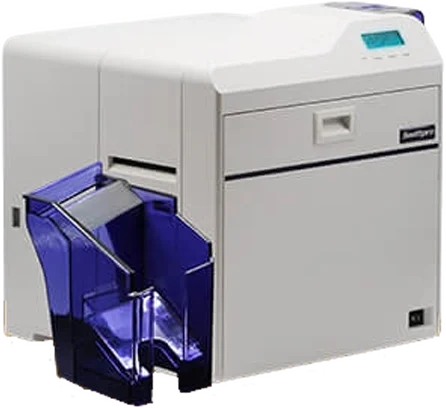
ID card printers in Dubai, with ribbons, cards and setup
Swiftpro, DNP and DASCOM, with ribbons and cards. In business since 2013, with 2,500+ clients and offices in the UAE, India and Kenya.
How do I choose an ID card printer?
Answer four questions, then find your row in the table. If two rows fit, the printer in both is your best start.
- 1
How many cards a year?
A few hundred badges: direct-to-card is enough. Thousands, or cards that must stay sharp for years: look at retransfer.
- 2
One side or both?
Two-sided models print a photo on the front and rules, a barcode or an address on the back in one go.
- 3
A chip or magnetic stripe?
Then the printer needs an encoder option, and retransfer prints more evenly over a chip.
- 4
Fine detail, right to the edge?
Pick a 600 dpi retransfer printer. It prints over the edge of the card.
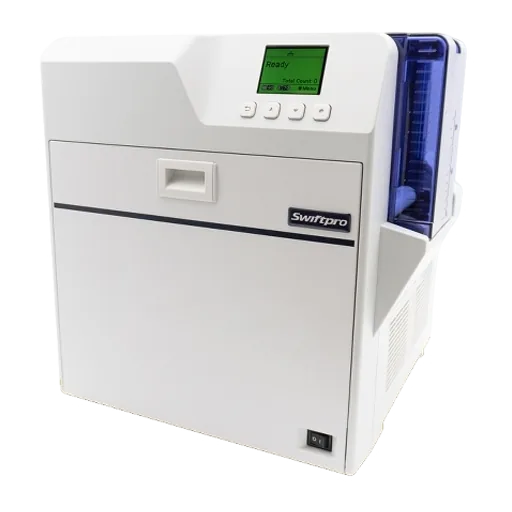
Which ID card printer should I buy?
| If you need | Pick | Models |
|---|---|---|
| Staff, student or visitor badges printed on one side | Pick:Direct-to-card, one side | |
| Photo and name on the front, rules or a barcode on the back | Pick:Direct-to-card, two sides | |
| Large batches of black-only cards | Pick:Direct-to-card with a black ribbon | |
| Photo-quality cards printed over the whole card | Pick:Retransfer, 300 dpi | |
| Fine text, small logos and security patterns | Pick:Retransfer, 600 dpi |
More needs: chip cards, encoding, big runs, large format4
| If you need | Pick | Models |
|---|---|---|
| Chip cards, or cards with a slightly uneven surface | Pick:Retransfer | |
| Access cards written while they print (MIFARE, contact chip, magnetic stripe) | Pick:A printer with an encoder option | |
| Bigger runs with less reloading | Pick:250-card input hopper | |
| Oversized event credentials | Pick:Retransfer, large format |
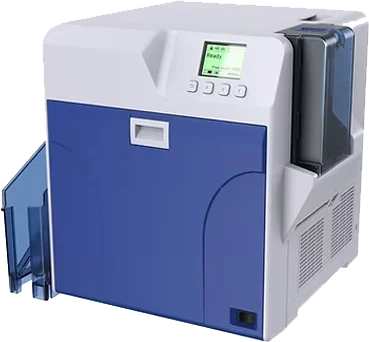
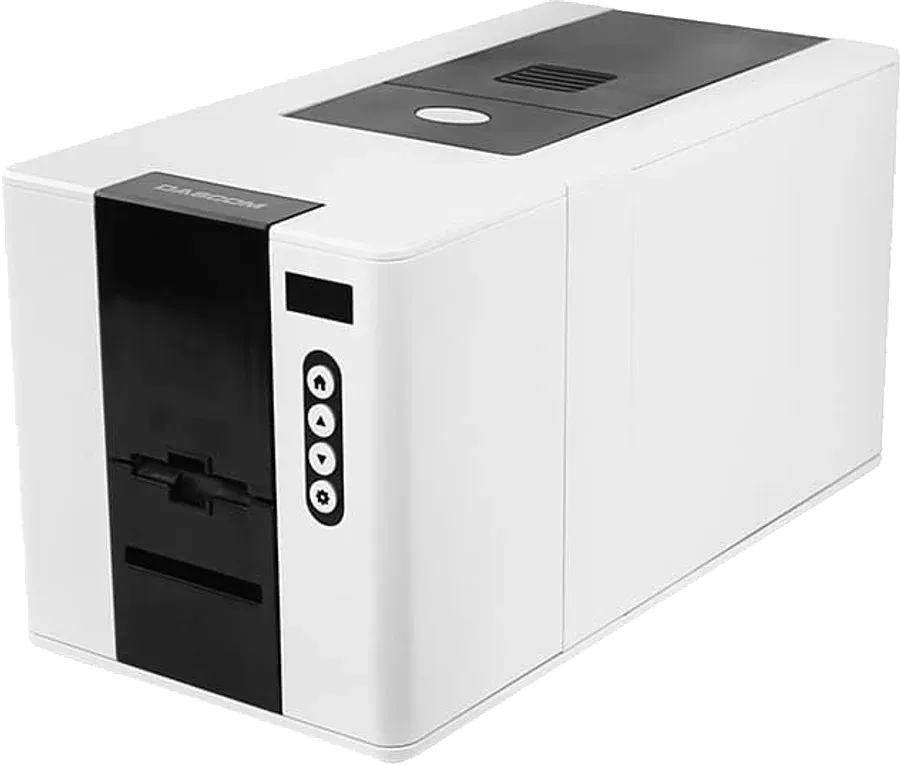
ID card printer brands we supply
Genuine printers and genuine supplies from all three brands, with support from us in Dubai.
Direct-to-card or retransfer?
Both print with heat and a colour ribbon. The difference is where the ink lands: on the card itself, or on a clear film that is then bonded to the card.
A. Direct-to-card
The printhead prints straight onto the card through a YMCKO ribbon.
- 1Blank cards wait in the input hopper.
- 2A ribbon with colour panels (YMCKO) runs under the printhead.
- 3The printhead heats the ribbon and prints straight onto the card.
- 4The printed card comes out. The clear O panel protects the print.
B. Retransfer
The printhead prints onto a clear film; a heated roller then bonds the film to the card.
- 5The printhead prints the picture onto a clear film, using a YMCK ribbon.
- 6The film carries the picture to the heated roller.
- 7Heat and pressure bond the film onto the card, right over the edge.
- 8The finished card comes out, covered by the film.
C. Ribbon panels: what YMCKO means
Not to scale- YYellow
- MMagenta
- CCyan
- KBlack
- OOverlay
- Y M C
- Colour panels. Together they print the photo, logo and background.
- K
- Black resin. Sharp text, barcodes and signatures.
- O
- Overlay. A clear coat that protects the print on direct-to-card printers.
Retransfer printers such as Swiftpro and DNP use YMCK ribbons with no O panel: the retransfer film protects the card instead.
Direct-to-card is the simple, lower-cost choice for everyday badges. Retransfer costs more but gives the sharpest card, printed right over the edge and protected by film. Read the full guide: retransfer vs direct-to-card.
The two methods side by side: edge, chips, speed, supplies, cost8
| Feature | Direct-to-card | Retransfer |
|---|---|---|
| How it prints | Straight onto the card | Onto a clear film, then the film is bonded to the card |
| Print edge | Edge to edge on the DASCOM DC-2300 | Over the edge: the whole card is covered |
| Chip and uneven cards | Best on flat, smooth PVC cards | Prints evenly over chips and slight bumps |
| Resolution in our range | 300 dpi (DASCOM up to 300 x 1200 dpi) | 300 or 600 dpi |
| Colour speed, one side | 180 cards an hour (maker figure) | 120 to 150 cards an hour (maker figures) |
| Supplies | One ribbon, usually YMCKO | A YMCK ribbon plus retransfer film |
| Cost | Usually costs less to buy and run | Costs more, for a sharper, better-protected card |
| Good for | Staff, student and visitor badges, member cards | Photo IDs, chip cards, cards that must last |
Compare ID card printers
Every printer we list, with the maker's own figures. Add the ones you like to your quote list and send it in one message.
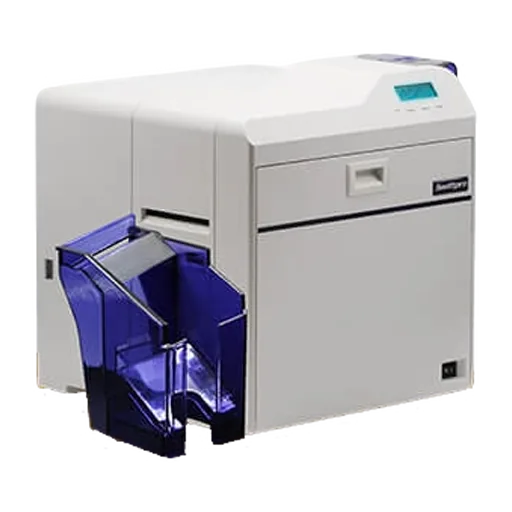
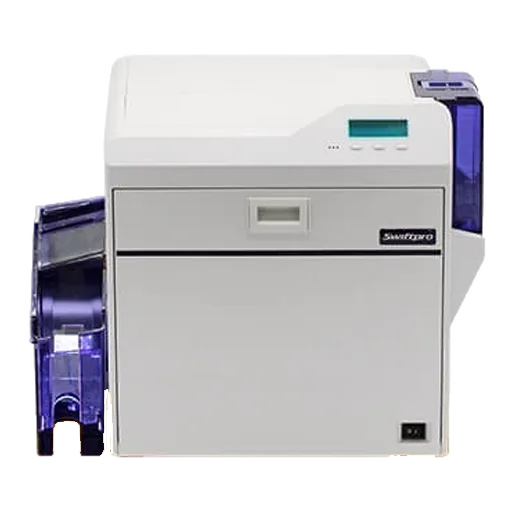
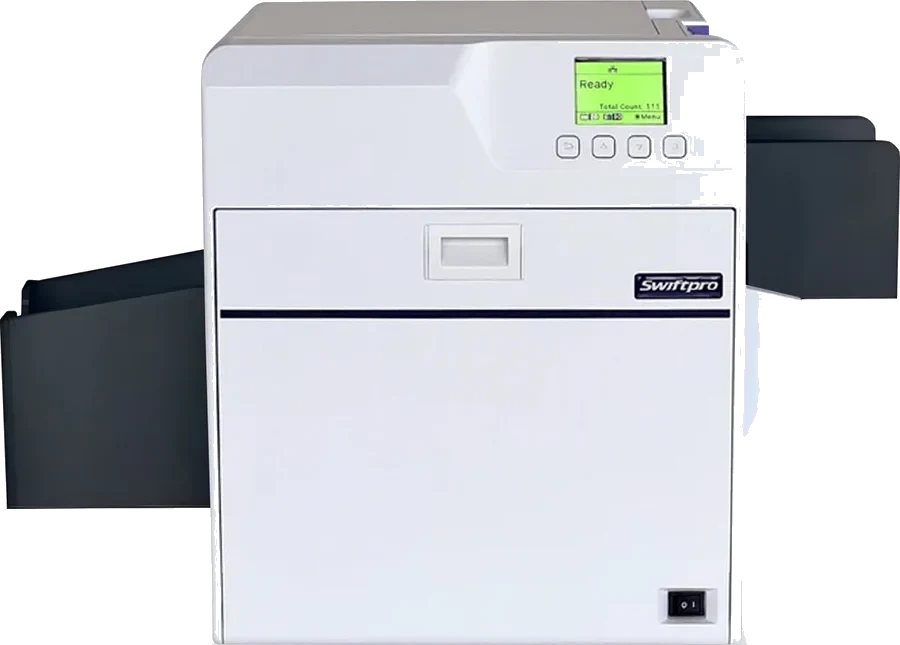
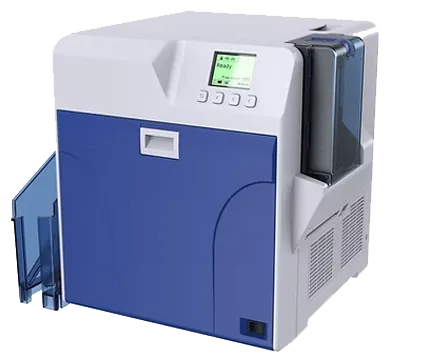
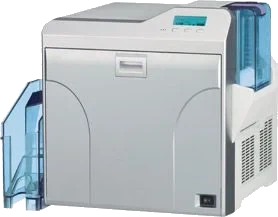
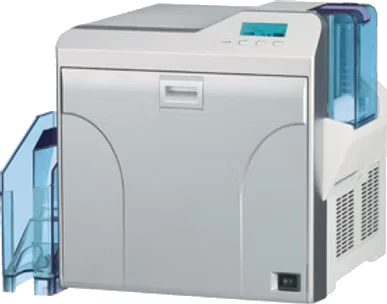
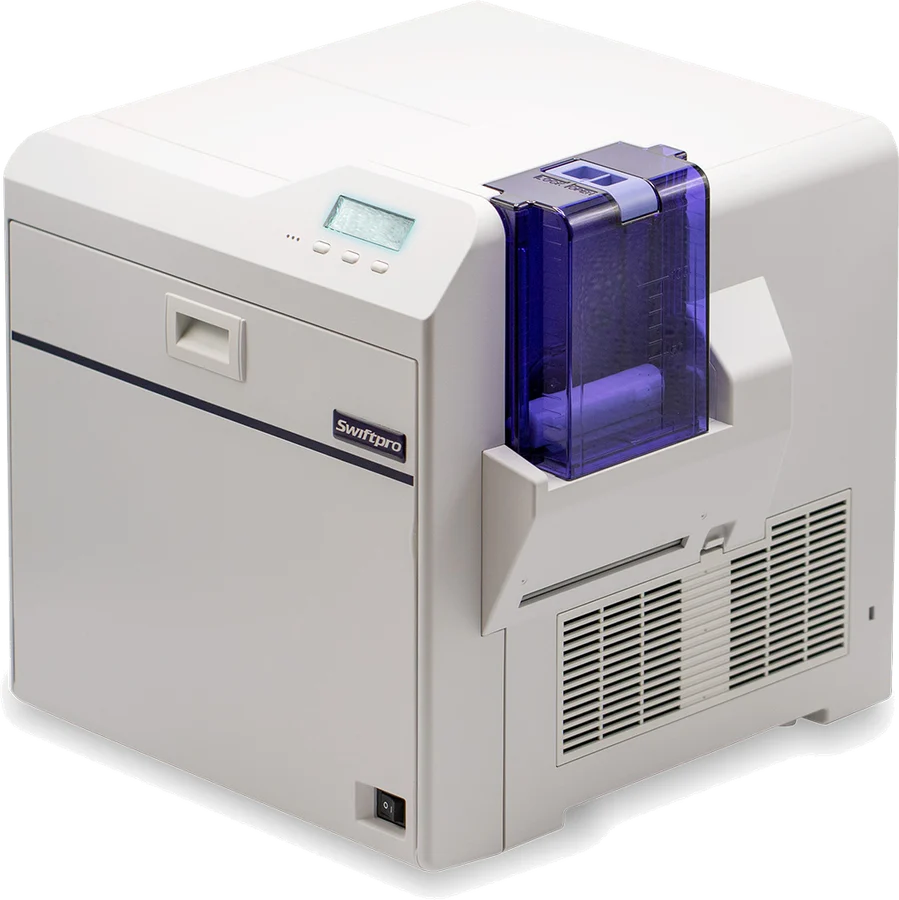
Retransfer printers
Print onto film, then bond it to the card: over-the-edge print.
Direct-to-card printers
Print straight onto the card: simple and quick for everyday badges.
Compare specs: resolution, sides, speed, encoding10
| Model | Resolution | Sides | Speed (maker figure) | Encoding options | Quote list |
|---|---|---|---|---|---|
| Retransfer printersPrint onto film, then bond it to the card: over-the-edge print. | |||||
| Swiftpro K30 | Resolution300 dpi | SidesOne side | Speed (maker figure)30 s per card, 120 cards/h (YMCK, one side) | Encoding optionsContact and contactless chip | |
| Swiftpro K30D | Resolution300 dpi | SidesOne or both sides | Speed (maker figure)Ask us | Encoding optionsMagnetic stripe, contact and contactless chip | |
| Swiftpro K65 | Resolution600 dpi | SidesOne or both sides | Speed (maker figure)24 s per card, 150 cards/h (fast mode) | Encoding optionsMagnetic stripe, contact and contactless chip | |
| Swiftpro K65XL | Resolution600 dpi | SidesOne side | Speed (maker figure)Ask us | Encoding optionsContact chip | |
| DNP CX-D90HS | Resolution600 dpi | SidesOne or both sides | Speed (maker figure)About 25 s per card (YMCK, one side) | Encoding optionsMagnetic stripe, contact and contactless chip | |
| DNP CX-D80HS | Resolution600 dpi | SidesOne or both sides | Speed (maker figure)About 30 s per card (YMCK, one side) | Encoding optionsMagnetic stripe, contact and contactless chip | |
| DNP CX-D80DS | Resolution300 dpi | SidesOne or both sides | Speed (maker figure)About 30 s per card (YMCK, one side) | Encoding optionsMagnetic stripe, contact and contactless chip | |
| DNP CX-D80SRS | Resolution300 dpi | SidesOne side | Speed (maker figure)About 30 s per card (YMCK, one side) | Encoding optionsMagnetic stripe, contact and contactless chip | |
| Swiftpro K60 | Resolution600 dpi | SidesOne or both sides | Speed (maker figure)30 s per card, 120 cards/h (YMCK, one side) | Encoding optionsMagnetic stripe, contact and contactless chip | |
| Direct-to-card printersPrint straight onto the card: simple and quick for everyday badges. | |||||
| DASCOM DC-2300 | Resolution300 dpi (up to 300 x 1200 dpi) | SidesOne side; both sides with duplexer option | Speed (maker figure)180 cards/h colour (YMCKO, one side) | Encoding optionsAsk us | |
Ribbons, cards and film for your printer
We keep your printer running with the supplies it needs. Tell us the printer model and we match the ribbon and card.
Card design software and encoding
Card design software places the photo, name, logo and barcode, and can read your staff list so you do not type each card. We set up software that suits your printer and your volume.
Encoding writes data into the card while it prints, for example the number your door reader checks. It needs an encoder option inside the printer, so tell us your card type before you order. See MIFARE cards and proximity cards.
| Magnetic stripe | Written by a magnetic stripe encoder inside the printer, as the card prints. |
|---|---|
| Contact chip | A contact encoder touches the gold chip pads and writes the chip. |
| MIFARE (13.56 MHz) | A contactless encoder writes the chip, for example your door access number. |
| Proximity (125 kHz) | Usually set at the factory. The printer prints the card; it does not write it. |
ID card printer questions
Short answers to what buyers ask us most.
How much does an ID card printer cost in the UAE?
It depends on the printer type and what you add. Direct-to-card printers cost less than retransfer printers, and two-sided printing, encoders and the ribbon and card bundle all change the price. Tell us how many cards you print a year and we send a written quote.
What is the difference between direct-to-card and retransfer printing?
A direct-to-card printer prints straight onto the card. A retransfer printer prints onto a clear film first and then bonds the film to the card, so the print covers the whole card, sits evenly over chips and is protected by the film.
Can the printer encode MIFARE or proximity cards?
MIFARE cards, yes: the printer needs a contactless encoder option fitted. Most 125 kHz proximity cards come with their number already set at the factory, so the printer prints on them but does not encode them.
Which software do I need to design ID cards?
You need card design software that adds photos, text and barcodes and can read your staff list. We set up design software that suits your printer, your volume and your data.
Do you supply and install printers in Abu Dhabi, Sharjah and the rest of the UAE?
Yes. We supply, install and support ID card printers across the UAE from our office in Dubai Silicon Oasis. For other GCC countries, ask us.
What warranty comes with an ID card printer?
It depends on the maker. Swiftpro gives a 36-month printer warranty and a lifetime printhead warranty on the K30, K30D, K60 and K65. For DNP and DASCOM we confirm the warranty in writing with your quote.
Send us your card volume. We suggest the printer and quote it.
Add printers, ribbons and cards to your quote list, or just tell us how many cards you print a year. We reply with the right model, then deliver, install and train your team.
- Company
- LogIT Solutions LLC
- Office
- Dubai Silicon Oasis
- In business
- 13+ years
- Phone
- +971 50 889 5653
- Offices
- UAE · India · Kenya